Akative's Parent Company, RDI, Celebrates 2026 CRN MSP 500 Recognition for 6th Year!
The 5-Step POS Lag & Micro-Outage Checklist
Post Date:
The "Invisible" Revenue Leak
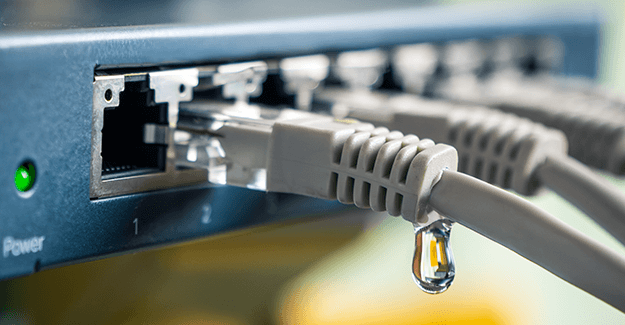
The "Invisible" Revenue Leak Most business owners blame "slow internet" for POS lag. In reality, the issue is often a "Micro-Outage"—a connection drop so brief (under 30 seconds) that standard ISP monitors don't even record it. This guide helps you find the source.
Step 1: The "Hardware vs. Cloud" Litmus Test
Is the lag happening on the local device or the network?
- The Test: Can you process an "offline" transaction or access local files?
- The Insight: If local functions are fast but payments are slow, the bottleneck is your External Path (ISP) or Cloud Gateway.
Step 2: Check for "Bandwidth Hogging"
Business networks are often crowded, especially retail and restaurants.
- The Culprit: Is a guest WiFi user streaming video? Is a security camera uploading HD footage to the cloud during peak hours?
- The Fix: Segment your network. Your POS should always be on a dedicated VLAN with "Priority" status.
Step 3: Identify "Packet Loss" (The Ghost in the Machine)
Your internet can be "on" but "broken."
- The Symptom: Transactions take 30+ seconds to clear or time out entirely.
- The Technical Cause: Packets of data are being dropped. This is often caused by a fraying cable or a failing modem that hasn't fully "died" yet.
Step 4: The "DNS" Bottleneck
Sometimes the connection is fine, but the "phonebook" is slow.
- The Fix: Check if your router is using default ISP DNS servers. Switching to a high-speed provider can shave seconds off transaction times.
Step 5: Stop Guessing, Start Seeing
Manual troubleshooting is a "time-sucker" that distracts from your customers. If you are checking cables after a customer gets annoyed, you have already lost money.
- The Proactive Shift: Most ISPs hide micro-outages because they don't want to admit their service is "flapping." Use iStatus NPM (Network Performance Monitoring) to watch your connection quality in real-time.
- The Benefit: Instead of wondering why the POS is slow, iStatus logs every micro-outage and latency spike. You get an automated alert the moment your connection stops meeting "Business Grade" standards.
- The Result: You have the hard data needed to hold your ISP accountable or to know exactly when it’s time to rely on your RocketFailover for a stable connection.